
Documentation Index

Fetch the complete documentation index at: https://docs.signupbreeze.com/llms.txt

Use this file to discover all available pages before exploring further.

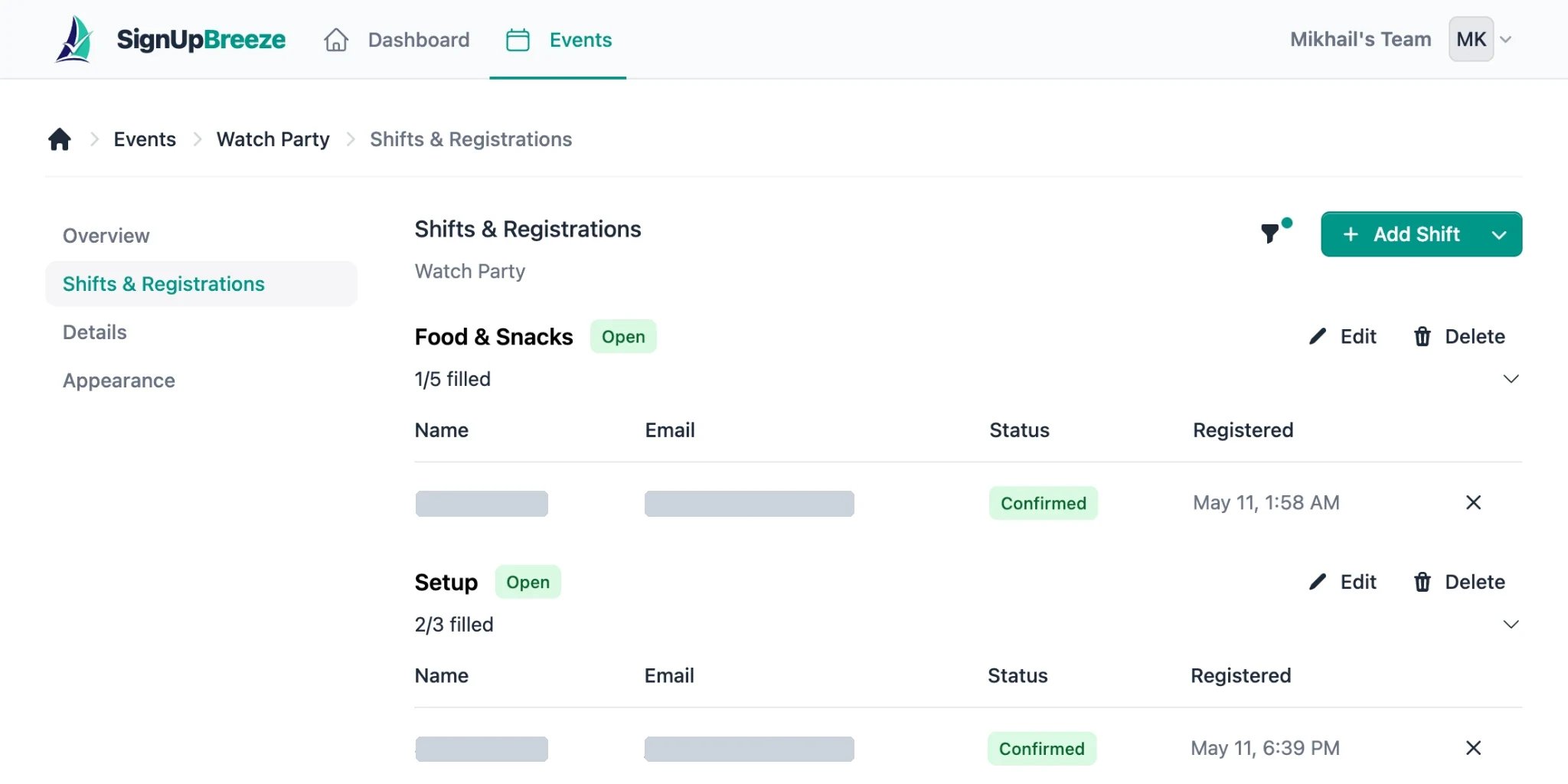
Shifts (also called slots) are the time blocks within an event that volunteers sign up for.

Adding shifts

From your event’s shift management page, add shifts by specifying:
  • Date — when this shift takes place
  • Start time — when the shift begins
  • End time — when it ends
  • Spots — how many volunteers you need
You can add as many shifts as you need for an event.

Common shift patterns

Single-day event with time blocks — a Saturday cleanup with morning and afternoon shifts. Multi-day event — a week-long conference where each day has its own set of volunteer shifts. Recurring pattern — weekly tutoring sessions where each week has the same time slots.

Editing shifts

You can update shift times, dates, and spot counts from the shifts page. If you reduce the number of spots below the current signup count, existing registrations are preserved — you just won’t be able to accept new ones for that shift.

Shift capacity

Each shift shows how many spots are filled vs. available. When a shift is full, it appears as full on the public event page and volunteers can no longer sign up for it.